Install with Google Tag Manager
Publish the loader as a Custom HTML tag triggered on All Pages, or import the downloadable template file.
TPLv1.0.0
Flatzer · Google Tag Manager
Importable template for your GTM container.Watch the video guideDuration: 0:15
Install the snippet with Google Tag Manager
A short walkthrough recorded on the real interface, so you can complete every step without changing tabs.See it before you do it
Flatzer screenshots and visual platform references show you exactly where to act.
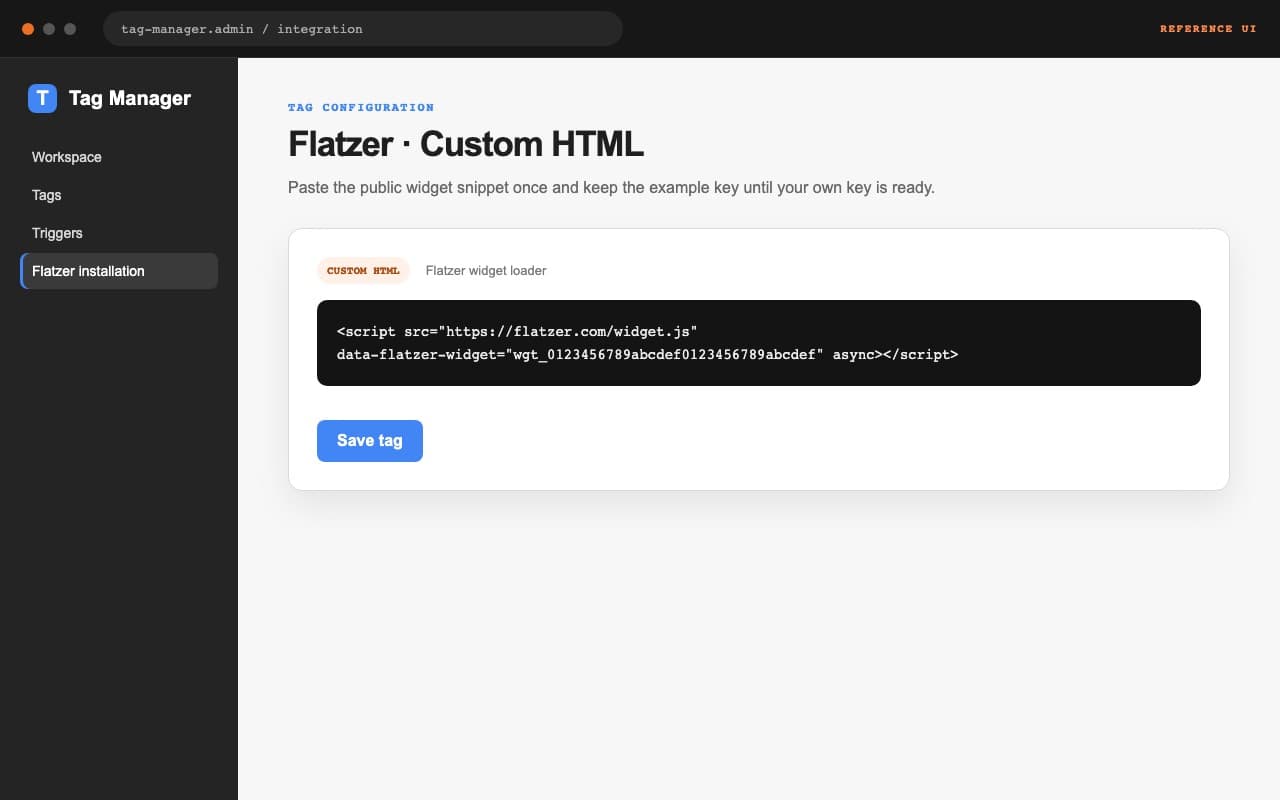
<script src="https://flatzer.com/widget.js" data-flatzer-widget="wgt_0123456789abcdef0123456789abcdef" async></script>Create the tag
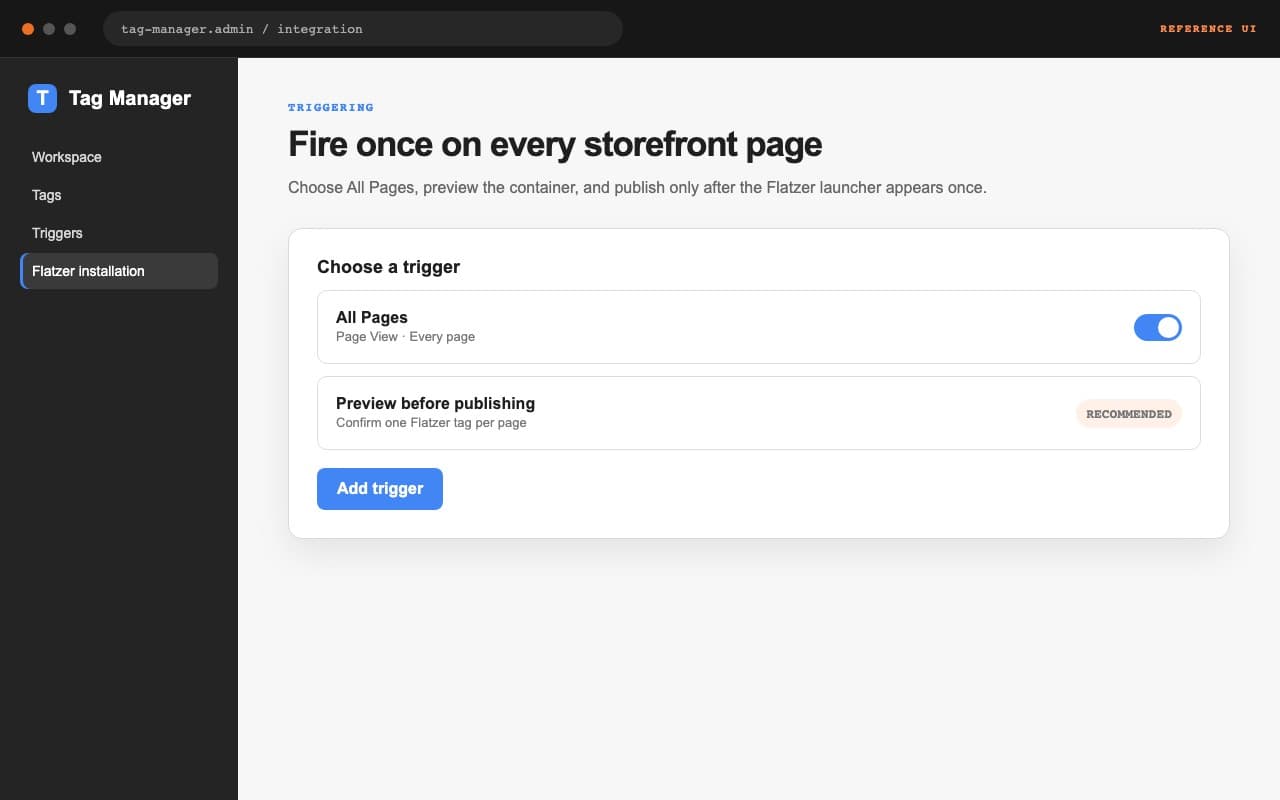
Create a Custom HTML tag in your container, paste the official snippet, and select the All Pages trigger. You can also import the downloadable template from a file; it is not published in the public template catalog.
- Tag: Custom HTML.
- Trigger: All Pages.
- Use one key per tag.
Preview before publishing
Use Preview to open your site, confirm that the tag fires once, and check that the widget appears. When it works, choose Publish and verify the Installed state in the Flatzer dashboard.