Install with HTML
Add the official loader immediately before the closing body tag and replace the example value with your public widget key.
Watch the video guideDuration: 0:15
Install the snippet with Google Tag Manager
A short walkthrough recorded on the real interface, so you can complete every step without changing tabs.See it before you do it
Flatzer screenshots and visual platform references show you exactly where to act.
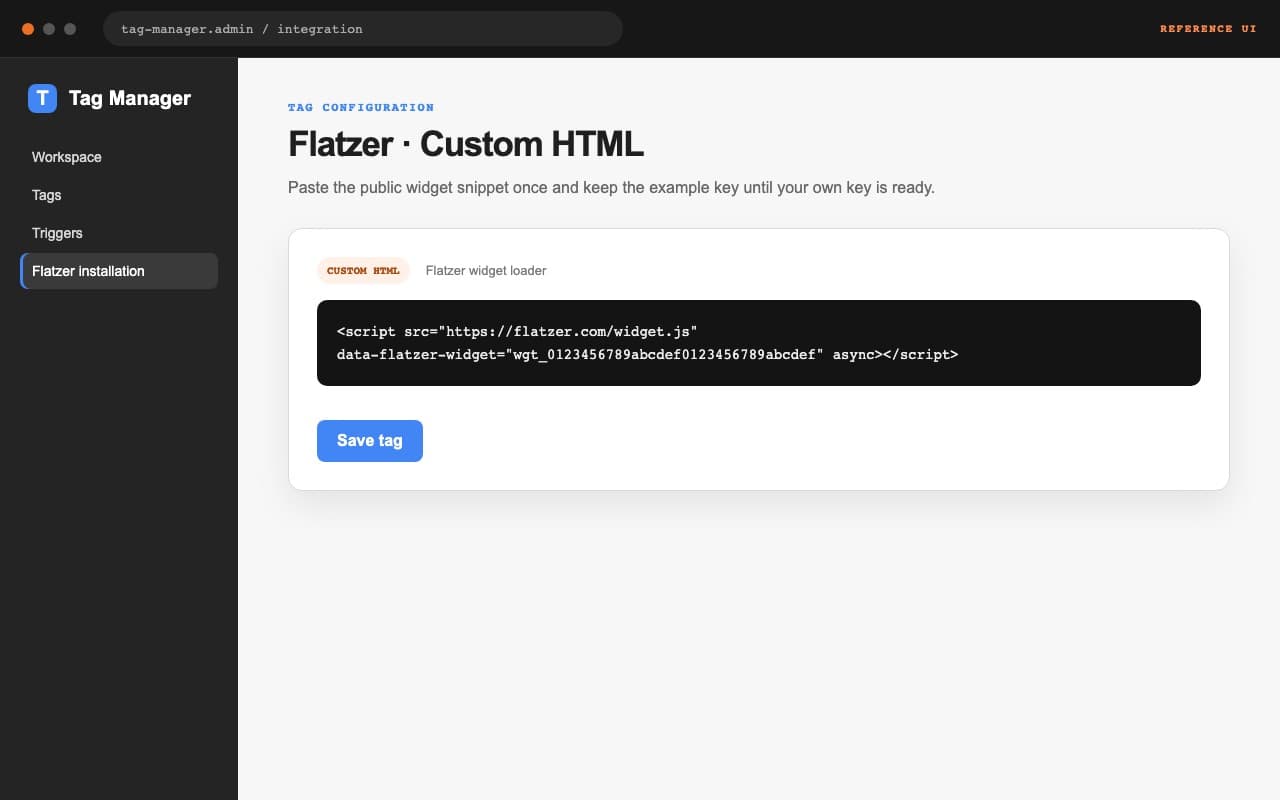
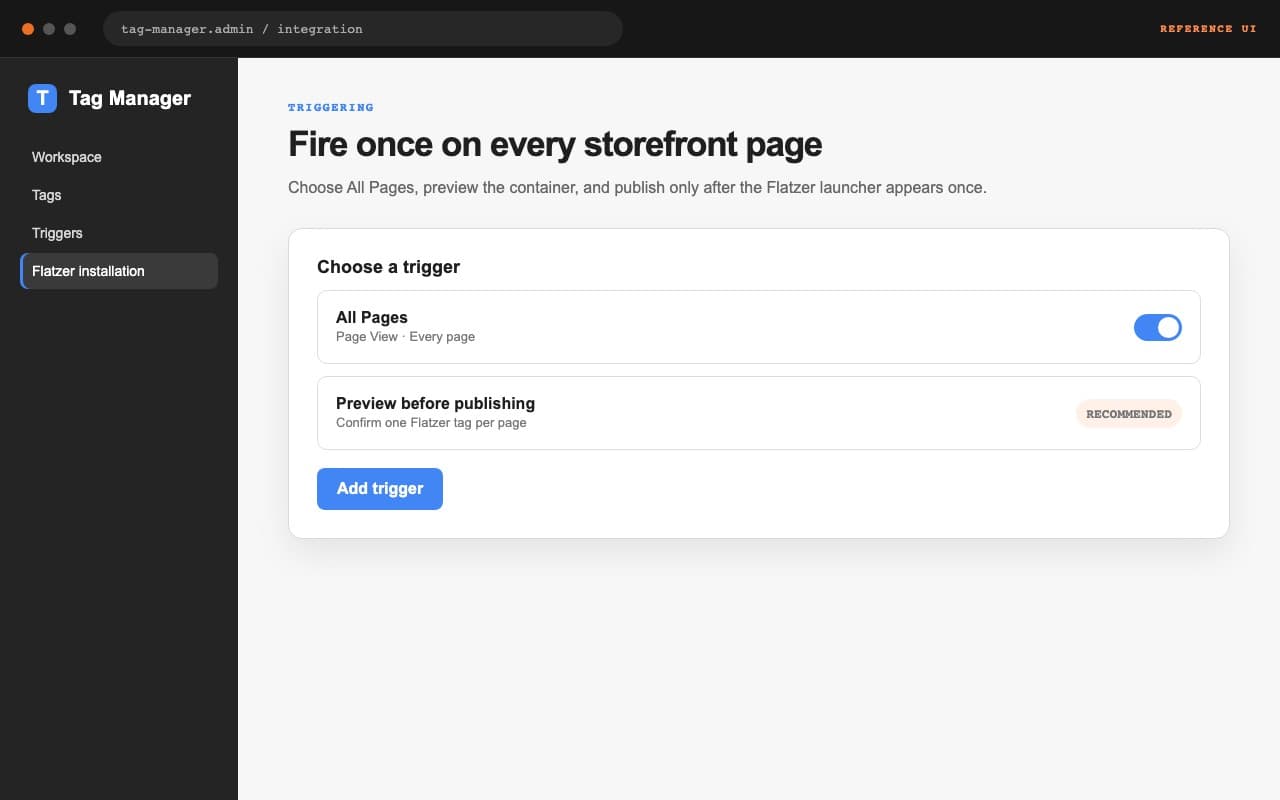
<script src="https://flatzer.com/widget.js" data-flatzer-widget="wgt_0123456789abcdef0123456789abcdef" async></script>Insert the snippet once
Paste this script immediately before </body> in the shared template for the pages where Flatzer should appear. Replace the example key with the value shown under Widget → Settings, and do not add the loader more than once.
Publish and check the domain
Save or deploy the template, open a page from an allowed domain, and check that the launcher appears. Then confirm Installed in the dashboard. A preview only works when its domain is also allowed.