Install with JavaScript
Install @flatzer/widget 1.0.0 with Bun and control the real loader through loadFlatzerWidget and destroyFlatzerWidget in the browser.
npmv1.0.0
@flatzer/widget
Official loader for JavaScript applications.See it before you do it
Flatzer screenshots and visual platform references show you exactly where to act.
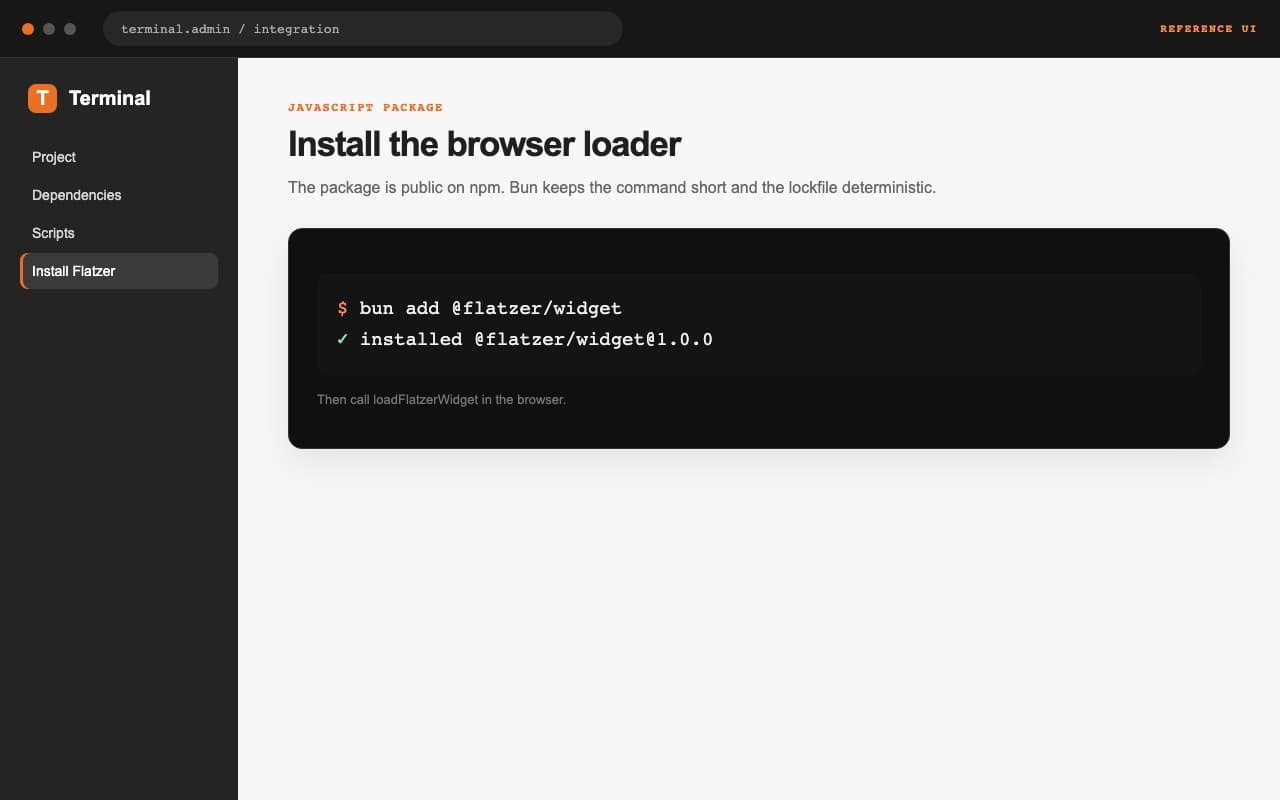
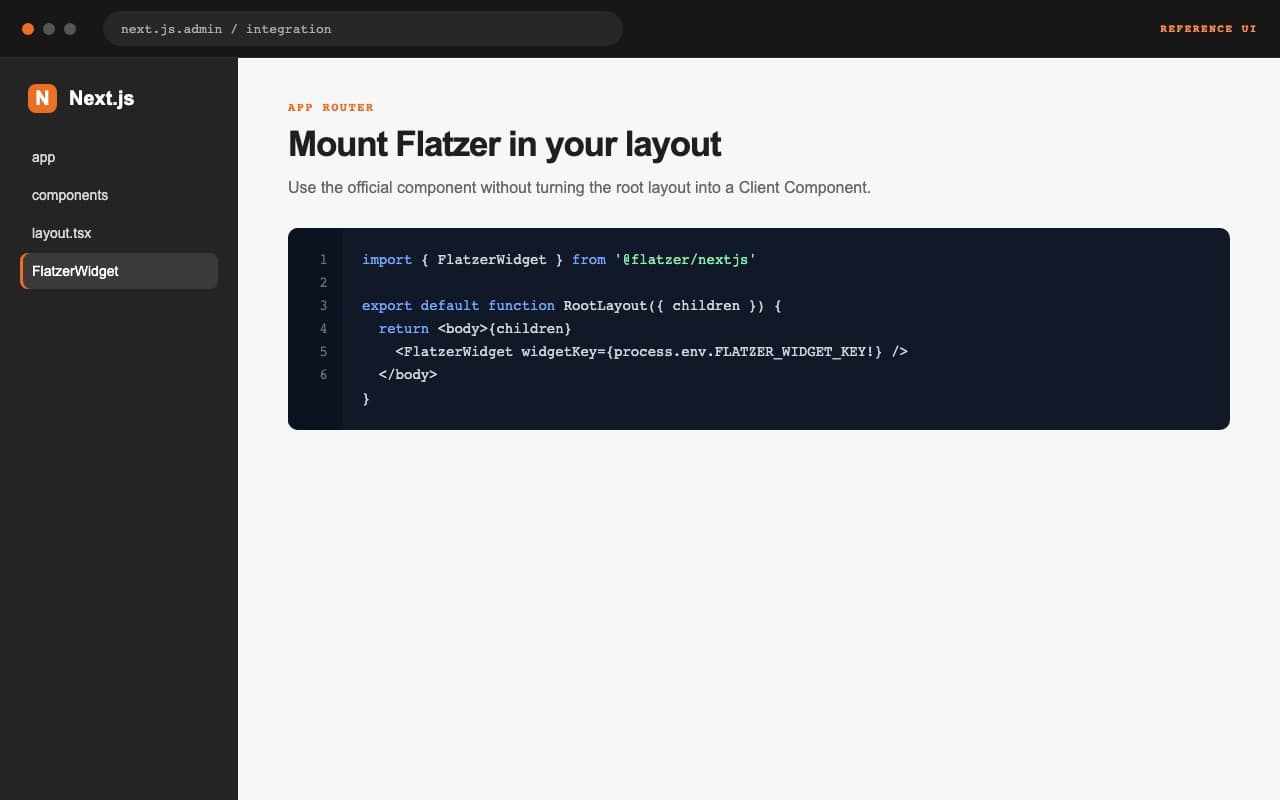
bun add @flatzer/widgetimport { loadFlatzerWidget, destroyFlatzerWidget } from '@flatzer/widget'
const handle = await loadFlatzerWidget({
widgetKey: 'wgt_0123456789abcdef0123456789abcdef',
autostart: true,
// baseUrl: 'https://flatzer.com',
})
// Either cleanup path is safe when your host application no longer needs it.
handle.destroy()
destroyFlatzerWidget()
Load the widget in the browser
The public @flatzer/[email protected] package exports loadFlatzerWidget({ widgetKey, autostart?, baseUrl? }). Call it only where window and document exist; do not run the loader during server rendering.
Remove the instance when leaving
Call destroyFlatzerWidget when a single-page application no longer needs the agent. Avoid creating multiple instances while navigating, and leave baseUrl undefined unless Flatzer gives you a different host.